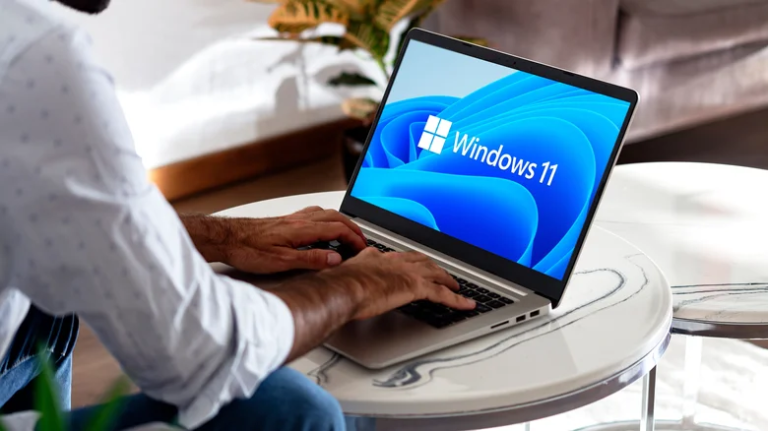
Millions of PC owners still running Windows 10 face a decision in 2026: upgrade to Windows 11 or find another way to keep their computer secure. The answer depends on hardware most people never think about until it becomes a problem.
Microsoft built specific technical requirements into Windows 11 when it launched, and those requirements haven’t loosened. A computer needs a compatible 64-bit processor running at 1 GHz or faster with at least two cores. It also needs a minimum of 4GB of memory and 64GB of available storage. Older machines built before 2018 often fall short on one or more of these marks, particularly around processor compatibility, even when the chip itself still runs fast enough for everyday tasks.
Firmware matters just as much as raw processing power. Windows 11 requires a computer to use UEFI firmware with Secure Boot enabled, a setup that replaced the older BIOS standard on most machines built in the last several years. The operating system also requires Trusted Platform Module (TPM) 2.0, a security chip that handles encryption keys and protects against certain types of malware. Many PCs from the mid-2010s either lack a TPM chip entirely or ship with an older version that doesn’t meet the 2.0 standard.
Graphics hardware carries its own requirement. A PC needs a graphics card or integrated graphics processor that supports DirectX 12 or later and runs a WDDM 2.0 driver. Most computers sold since 2015 clear this bar, but older business desktops and budget laptops sometimes don’t.
Microsoft says these combined requirements exist to give Windows 11 systems a stable foundation. Machines that meet the full list get consistent driver support and fewer compatibility issues over the life of the operating system, according to the company. A computer that squeaks by on one requirement while failing another can still run into problems even if Windows 11 technically installs.

Display specifications round out the list. Windows 11 calls for a screen with a resolution of at least 720p, a diagonal measurement greater than 9 inches, and support for 8 bits per color channel. These numbers cover the vast majority of monitors and laptop screens sold in the past decade, so display compatibility rarely trips up users the way processor or TPM requirements do.
Passing every listed requirement still doesn’t guarantee full functionality. Some Windows 11 features and built-in apps carry additional hardware demands beyond the baseline list, so a PC that installs the operating system without issue may still miss out on specific tools or capabilities tied to newer chipsets.
Checking compatibility before you upgrade
Owners of older PCs don’t have to guess whether their hardware qualifies. Microsoft’s PC Health Check app scans a computer and reports whether it meets Windows 11’s requirements, flagging any specific component that falls short. Users who recently swapped out hardware, such as adding a TPM module or upgrading a processor, should know that Windows Update can take up to 24 hours to refresh a device’s eligibility status after the change.
For PC owners whose hardware can’t make the jump, Microsoft has built in a fallback. The company’s Consumer Extended Security Updates program lets eligible Windows 10 version 22H2 computers keep receiving security patches after mainstream support ends. The program doesn’t add new features, and Microsoft does not offer technical support through it. ESU coverage for Windows 10 runs through October 12, 2027, giving those users a defined window rather than an open-ended extension.
Microsoft offers three ways to enroll in ESU. Users can sync their PC settings through a Microsoft account at no cost, redeem 1,000 Microsoft Rewards points, or pay a one-time fee of $30 plus applicable tax. A single ESU license covers up to 10 devices, which makes it a practical option for households or small offices juggling several older machines at once.
The combination of PC Health Check and ESU gives Windows 10 users a clear path forward. Those with newer hardware can confirm eligibility and move to Windows 11 without guesswork. Those stuck with older machines get roughly a year and a half of continued security coverage while they weigh whether to buy new hardware or replace their PC outright. Either way, the requirements Microsoft laid out for Windows 11 remain the deciding factor in which group a given computer falls into.